
Marketing resources
Share backrow.
with your community.
Original logos, gathering graphics, business invitations and simple ways to link to backrow. from your website.
01 / Downloads
Start with the original artwork.
Choose the version that fits your background. Each PNG includes its black or white background; keep that background and the supplied spacing intact.
Download the brand sheet · PDFFull logo
The seating icon and wordmark together. Use this for website footers, presentation slides and event flyers.


Square icon
The seating icon on its own. Use this for a compact website link or a profile image.


Wordmark
The original lettering, including the final period. Use the full logo when space allows.


02 / Logo usage
Give the logo room to be itself.
Keep the complete mark.
Use the downloaded artwork as supplied. Keep the six chairs, table, original lettering and final period. Don’t stretch, crop, redraw, recolor or add effects to it.
Leave clear space.
Leave at least the height of one outlined chair around every edge of the full image. Keep the padding already inside the file, too.
Keep it readable.
Display the full logo at least 180 px wide and the square icon at least 32 px wide. Prefer 240 px for the full logo. Check the final result on a phone.
Match the background.
Use white on black for dark placements and black on white for white placements. These files have solid backgrounds. Don’t remove the background or treat them as transparent artwork.
When writing the name, use backrow. in lowercase with the final period. Headings use Manrope; body text uses DM Sans. The wordmark is artwork—don’t recreate it by typing.
03 / Gathering graphics
An independent gathering.
A shared connection.
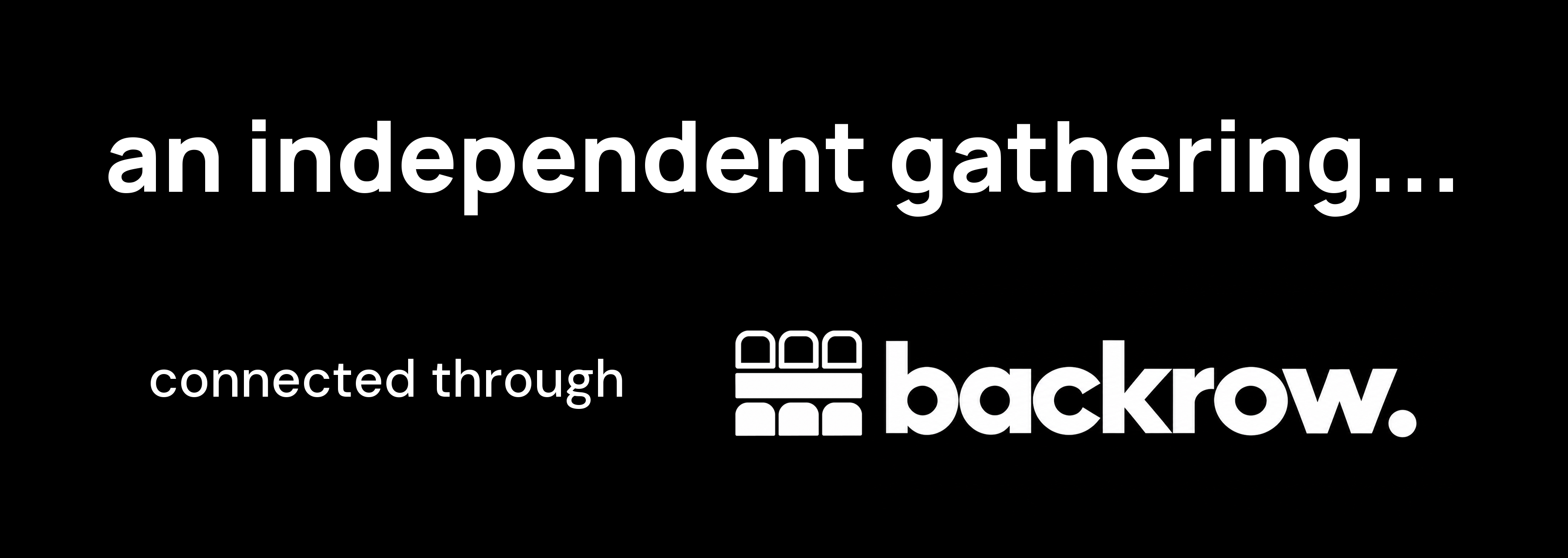
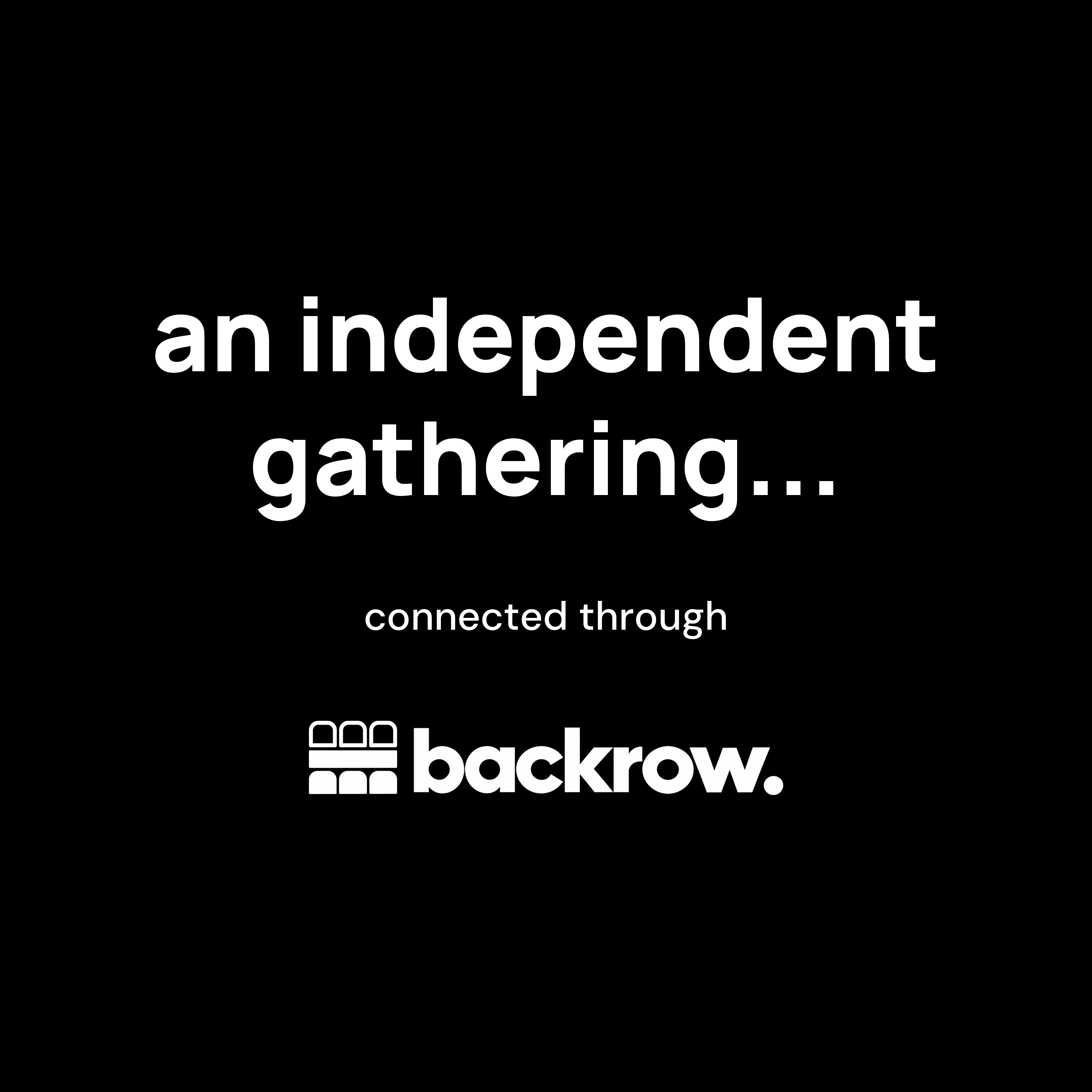
Use these signatures for independently organised gatherings connected through backrow. The graphic supplies the message and logo together; add your event details outside it.
Horizontal signature
For event flyers, slide footers and wider spaces.
3600 × 1280 px
Stacked signature
For social graphics and square placements.
3600 × 3600 px
Use the complete gathering graphic at least 360 px wide digitally or 76 mm wide in print. Keep its proportions and surrounding space. Use the other layout rather than cropping the artwork.
04 / Business marketing
Invite people to your company page.
Use “Follow us on backrow.” or “Review us on backrow.” on your website, in an email footer or on printed materials. Link to your own published company page so people can follow your work or share honest firsthand feedback.
Follow us on backrow.
The complete invitation, with the original logo. Choose a background that fits your placement.
3600 × 960 px · PNG
Editable SVG with embedded logo and font




Review us on backrow.
The complete invitation, with the original logo. Choose a background that fits your placement.
3600 × 960 px · PNG
Editable SVG with embedded logo and font




Link to your business.
Open your published company page and copy its address from the browser. Use that address in place of YOUR_PUBLISHED_COMPANY_URL, upload the downloaded graphic to your own website, then update the image path.
Test the link while signed out. Opening the page lets someone choose to follow; it doesn’t follow automatically.
Business profile link
<a href="YOUR_PUBLISHED_COMPANY_URL"
   aria-label="Follow us on backrow."
   style="display:inline-block;padding:16px;background:#000;line-height:0">
  <img src="/images/business-follow-dark.png"
       alt="Follow us on backrow." width="360" height="96"
       style="display:block;max-width:100%;height:auto">
</a>
Replace YOUR_PUBLISHED_COMPANY_URL with your published company address and update the image path before using this HTML.
Keep the complete graphic at least 360 px wide digitally or 76 mm in print. For a narrower website placement, use a square icon link with visible “Follow us on backrow.” text instead of shrinking the banner.
Invite an honest review.
Use your published company page’s main address with ?section=reviews at the end to open the Reviews tab. Test it while signed out, then use that full address in place of YOUR_COMPANY_REVIEW_URL.
Visitors sign in to write a review. Ask for their firsthand experience without suggesting a rating.
Company review link
<a href="YOUR_COMPANY_REVIEW_URL"
   aria-label="Review us on backrow."
   style="display:inline-block;padding:16px;background:#000;line-height:0">
  <img src="/images/business-review-dark.png"
       alt="Review us on backrow." width="360" height="96"
       style="display:block;max-width:100%;height:auto">
</a>
Replace YOUR_COMPANY_REVIEW_URL with your published company page address ending in ?section=reviews, and update the image path before using this HTML.
05 / Website links
Make the connection one click away.
Link to https://backrow.social/. Download your preferred icon or full logo above, upload it to your website, then add it as a link. These examples use an /images/ folder; change the image path to match your upload.
Square icon example
A compact link for your website footer or community page.
Square icon link
<a href="https://backrow.social/" aria-label="Visit backrow."
   style="display:inline-block;padding:8px;background:#fff;line-height:0">
  <img src="/images/backrow-symbol-black-on-white.png"
       alt="backrow." width="48" height="48"
       style="display:block;max-width:100%;height:auto">
</a>
Download the image, upload it to your website, then update the image path in this HTML.
Full logo example
Use the full logo when there is room for the name.
Full logo link
<a href="https://backrow.social/" aria-label="Visit backrow."
   style="display:inline-block;padding:12px;background:#000;line-height:0">
  <img src="/images/backrow-horizontal-white-on-black.png"
       alt="backrow." width="240" height="80"
       style="display:block;max-width:100%;height:auto">
</a>
Download the image, upload it to your website, then update the image path in this HTML.
Prefer a text link? Use backrow. as the link text. No tracking script or account is needed to use these downloads.